
How to Browse and Register for Volunteer Programs and Opportunities
Ready to lend a hand? You can easily browse and register for volunteer opportunities right here on our website. Whether you’re looking for a one-time event or an ongoing role, there’s something for everyone. Please remember: you must sign up for a shift in advance to participate. We can’t wait for you to join us!
Browse and Register via the Causer App
For a seamless scheduling experience, download the Causer App on your mobile device using the links below:
📱 Apple: Download for iOS
📱 Android: Download for Android
Download the Causer app from the iPhone or Google Play app store. Please note, you must have an existing GetConnected account in order to use Causer to register for any City of Fort Worth volunteer opportunities.
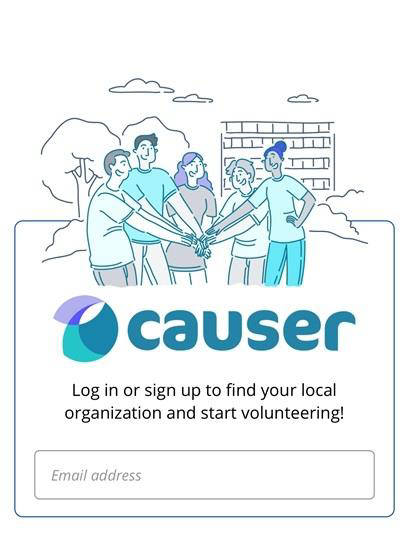
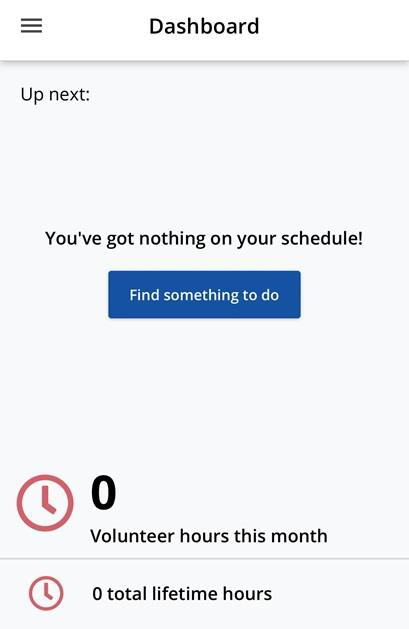
Using your GetConnected login information, sign in to access your ‘Dashboard’. This will be your homepage where you can search for volunteer opportunities as well as see any upcoming volunteer shifts that you’ve previously registered for. By clicking on the ‘Find something to do’ tab, you will be able to search any volunteer opportunities offered by the City of Fort Worth.
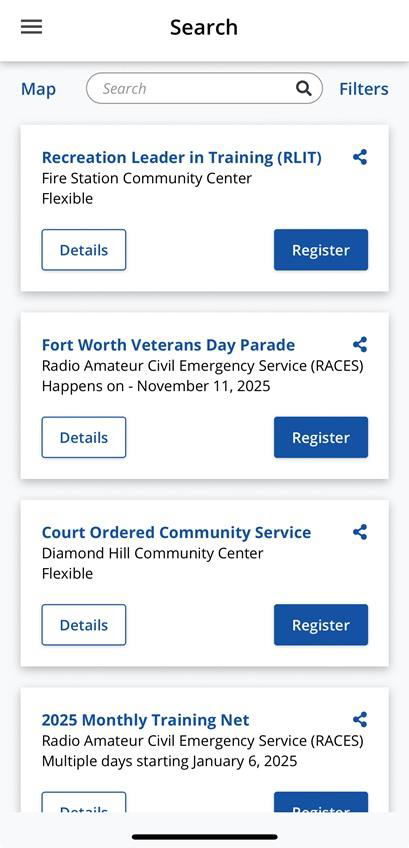
After clicking on the ‘Find something to do’ tab, the app will initially display all volunteer opportunities that are available within the city. You can narrow your search by clicking on ‘Filters’ in the top right corner of the screen.
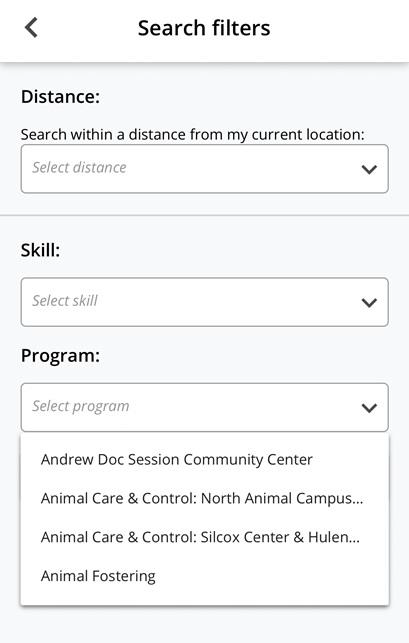
You then have the ability to search by Distance, Skill, and Program. If filtering by Program, select the drop-down arrow to display the list of programs within the city.
After selecting your volunteer program, the app will display all available volunteer opportunities within that particular program. Each volunteer opportunity has a ‘Details’ tab that you can click on to display any necessary information related to that particular opportunity. You will then click on the ‘Register’ tab to proceed with selecting your shift time.


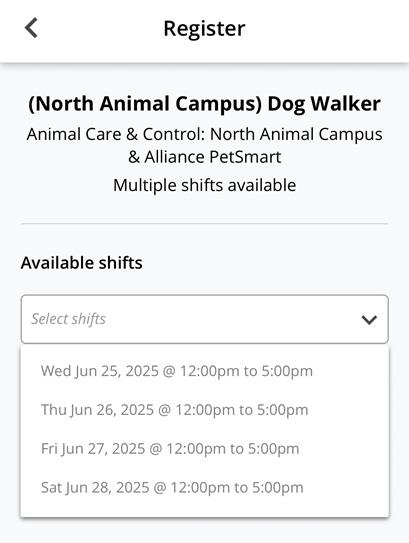
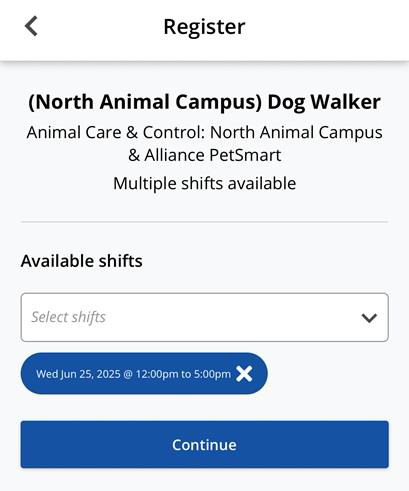
Once you’ve clicked the drop-down arrow to display the available shift times, please select the one that is the closest match to your availability for that day. After selecting your shift time, you will select ‘Continue’ and it will allow you to add any additional notes before finalizing your choice and clicking on ‘Register’. The ‘Additional Information’ area will be seen by the Volunteer Coordinator so you can include anything you think they should know (i.e. arriving early for shift, late for shift, etc.).

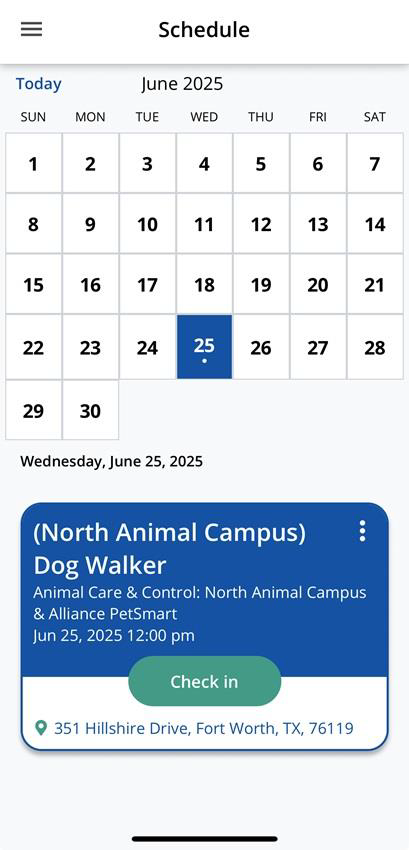
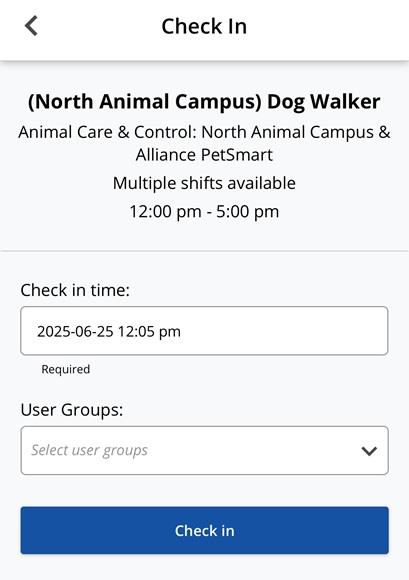
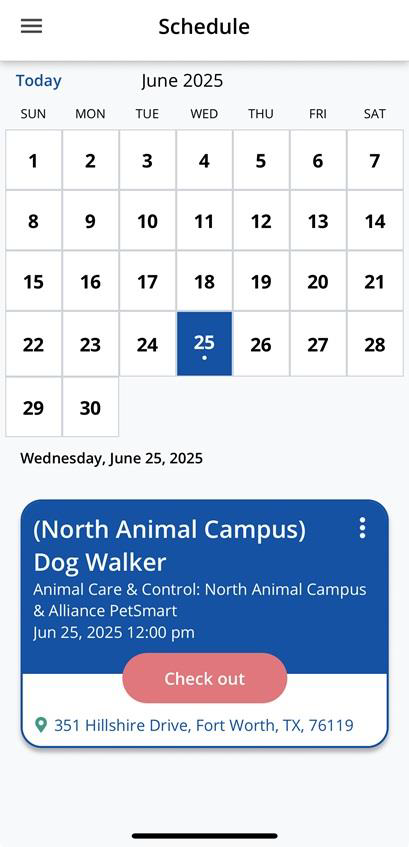
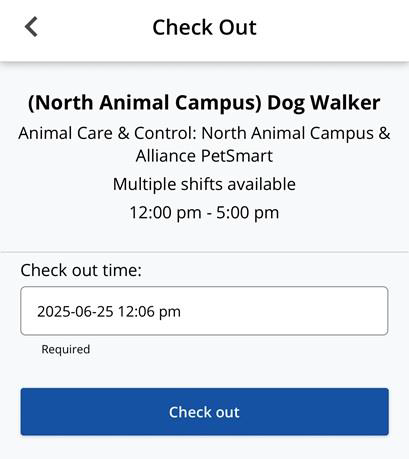
When you arrive for your shift, access your dashboard in the Causer app and click on the ‘Check In’ tab to start recording your volunteer hours.
After completing your shift, go back to your dashboard and click on the ‘Check Out’ tab to stop recording hours for that shift. Any completed hour totals will be visible on your dashboard once they’ve been recorded.
Browse and Register Online
You can also schedule an appointment directly through your web browser:
If you have a GetConnected account, click the "Login" button in the upper right corner of the pate. If you do not have an account, you can either click "Sign Up" (upper right) to create a GetConnected account, or you will be prompted to do so before registering for volunteer opportunities.
View opportunities by program:
Click "Programs" on the navigation menu

All City of Fort Worth Volunteer programs will be listed in alphabetical order. You can browse the programs by clicking through each page or by entering a phrase in the "Search By" field.

Click on the programs tile to view more information. You will find a program description, contact information, location, programs photos and upcoming volunteer opportunities.
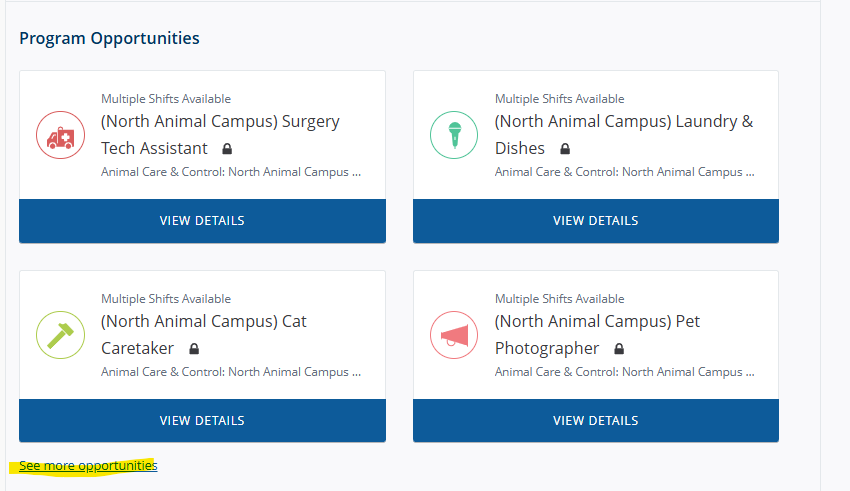
To view all of that program's opportunities, scroll down and click "See more opportunities" under Program Opportunities.
Proceed to step 10 for registration instructions
View opportunities for all programs
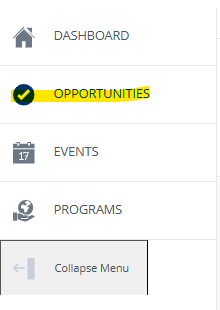
Click "Opportunities" on the left navigation menu.
You will now see all available volunteer opportunities for every program. You can browse these by clicking through each page, searching by phrase, or by using the preset filters on the right side of the page.
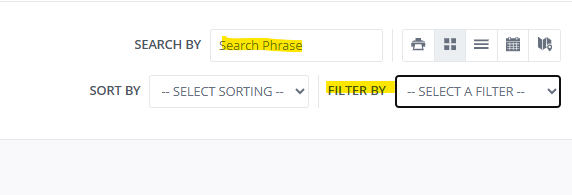
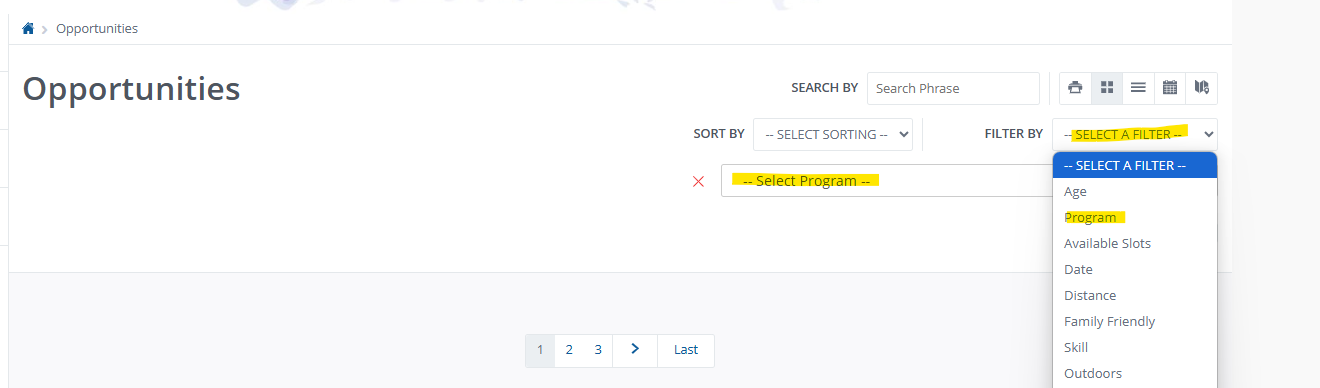
To view opportunities for a specific program, select "Program" from the "Filter By" Menu, and then select the desired program from the resulting dropdown.
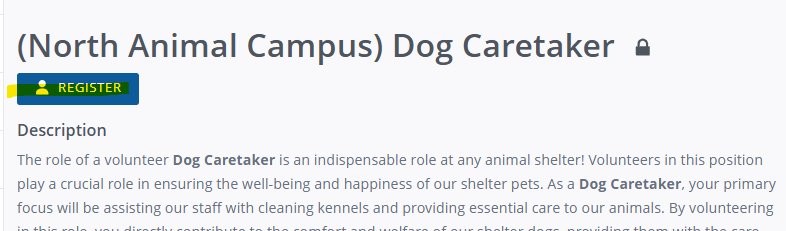
Click on an opportunity to see additional information, including a description, required hours and qualifications.
To register for the opportunity, click either of the "Register" buttons that appear on the opportunity page. (If you do not have an account you will be prompted to create one at this time.)
If you have not already completed the qualifications required for the opportunity, you will be prompted to do so. Please follow the instructions provided and enter information to the best of your ability. Click "Submit Qualifications".
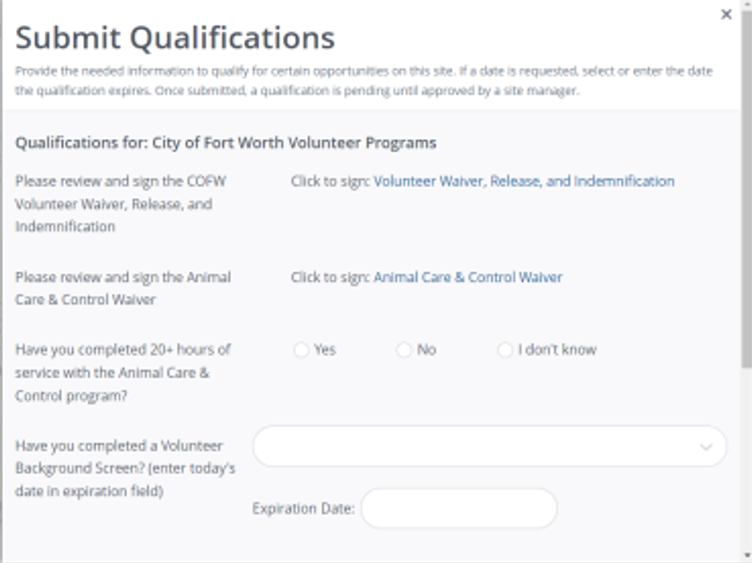
Your qualification information will now be sent to the volunteer opportunity/program's coordinator for review. Please keep an eye our for messages from the coordinator (es: a link to complete your volunteer background screen", and feel free to contact the coordinator with questions.
Once your qualifications have been reviewed and approved, you'll receive a notification. You may now complete the registration process by following the previous steps.
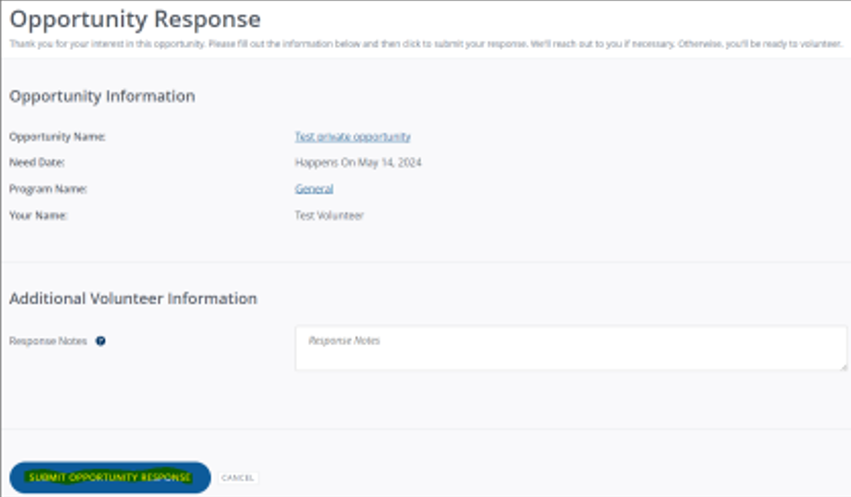
After clicking "Register" you will be prompted to review the registration information and include any necessary notes. Click "Submit Opportunity Response" to complete your registration.
Need Assistance?
If you have any questions or need help, please reach out to our team at FWACCVolunteers@fortworthtexas.gov.